1786403181262
Branded Wallet Passes Are Here
Diobox Wallet Passes now give you complete control over how your event appears in Apple Wallet and Google Wallet. Create fully branded, dynamic passes that give guests instant access to their event details and QR codes, right from their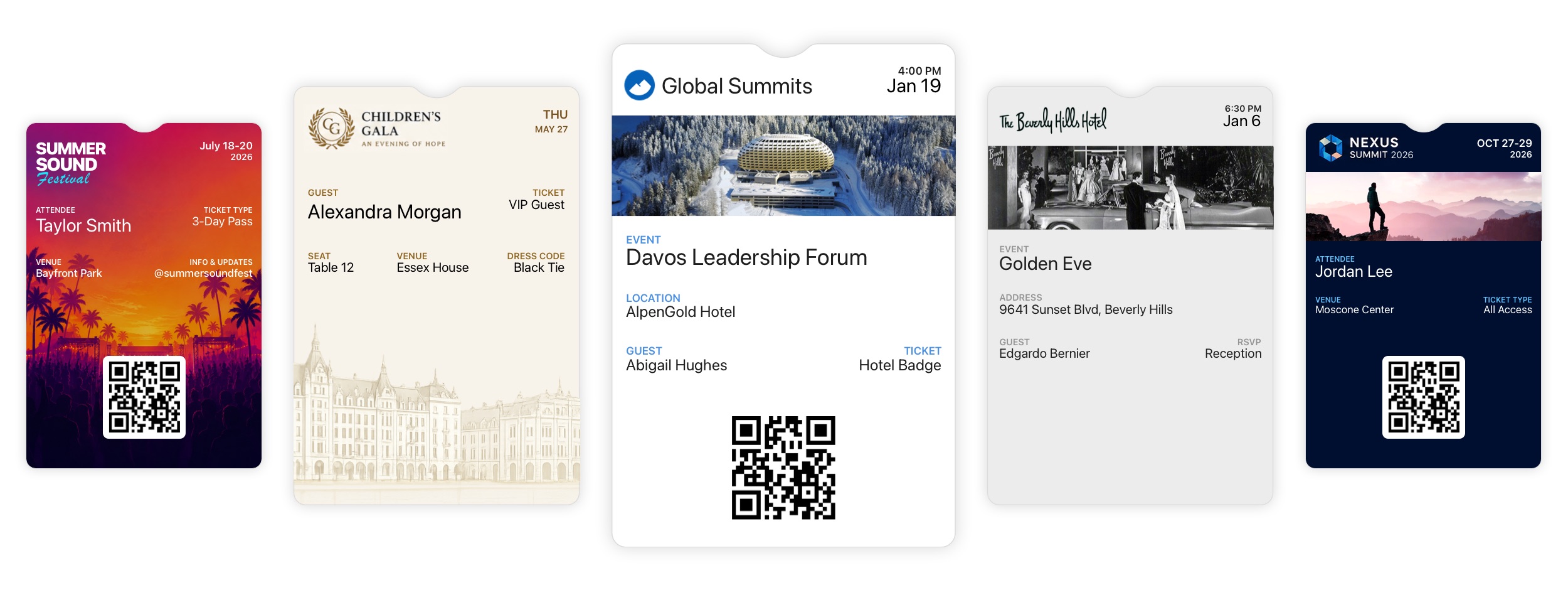
1786110660000
Speak Your Guests’ Language with Language Templates
Language Templates are now available in Diobox, giving you full control over the terminology and messages guests see throughout your event. Whether you’re hosting an international audience, running registration in multiple languages, or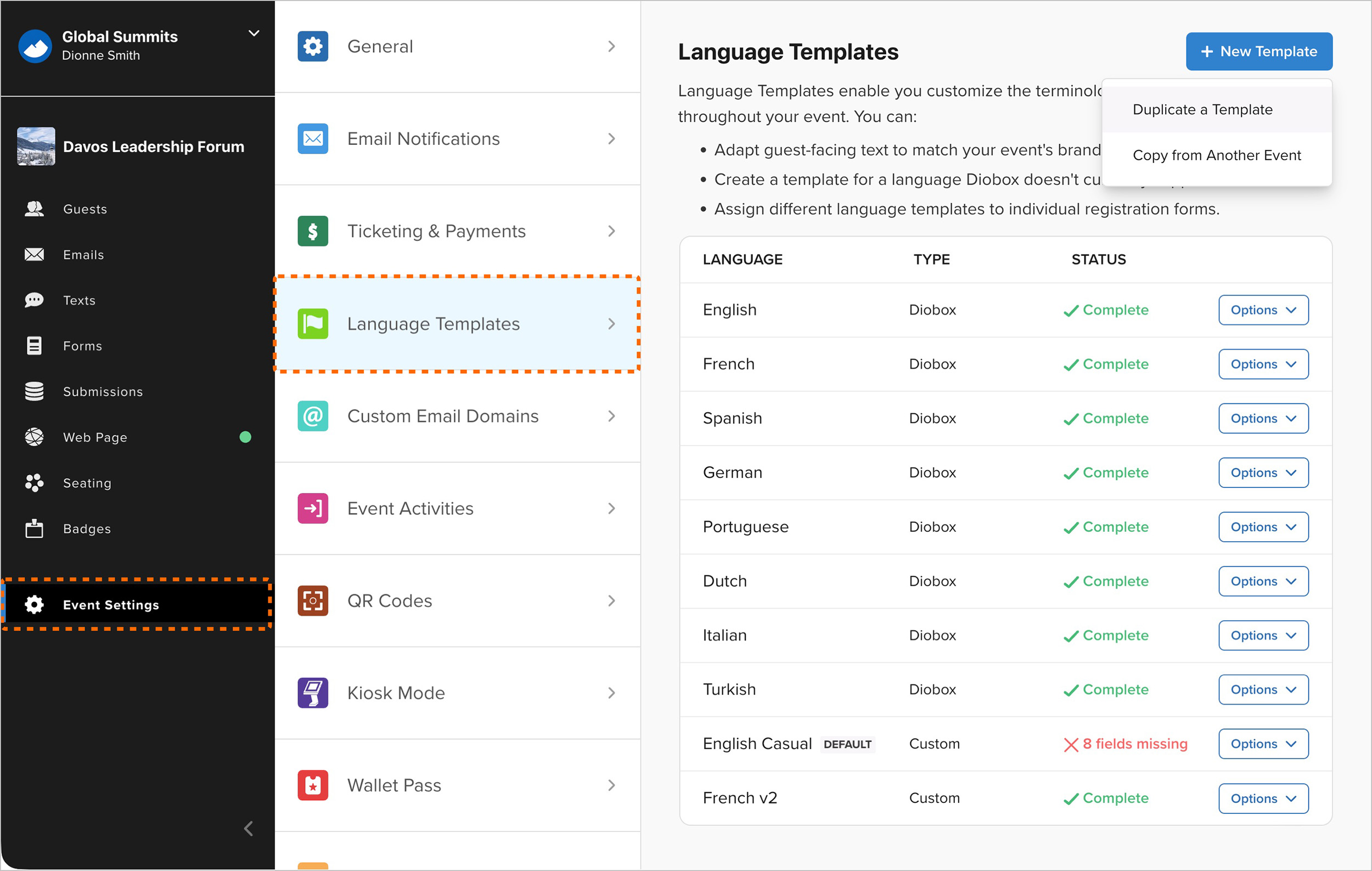
1784909460000
Lead Retrieval Updates
Major new improvements to Lead Retrieval give event organizers more control over licenses, exhibitors, and collected leads. Flexible License Purchasing: Organizers can purchase Lead Retrieval licenses directly within an event or have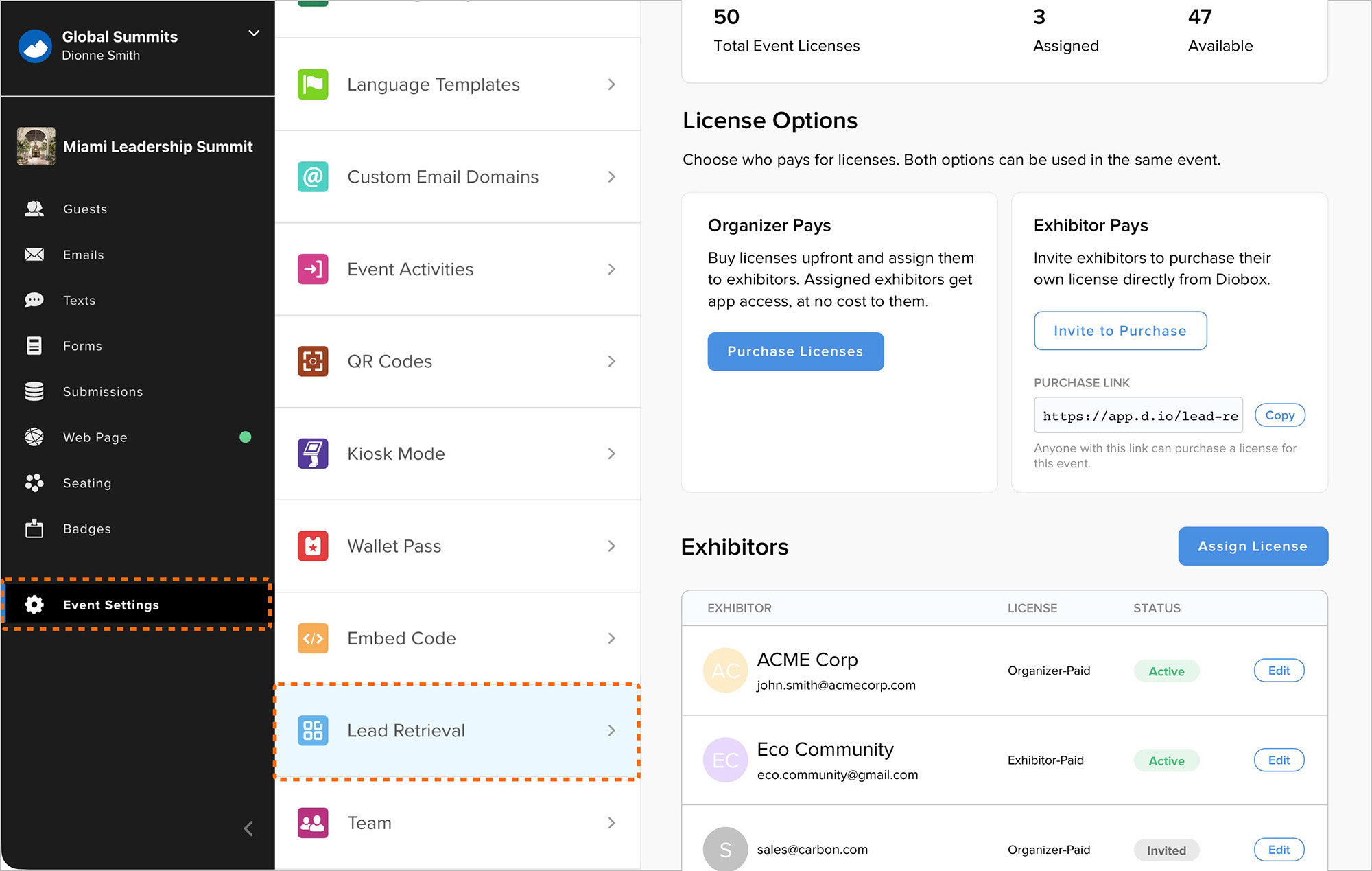
1784131809733
Expanded Event Team Management
Admins can now create team member accounts directly, assign licenses, and set passwords from Event Team Settings. Invitations can still be sent when team members should create their own accounts. This makes it easier to set up accounts for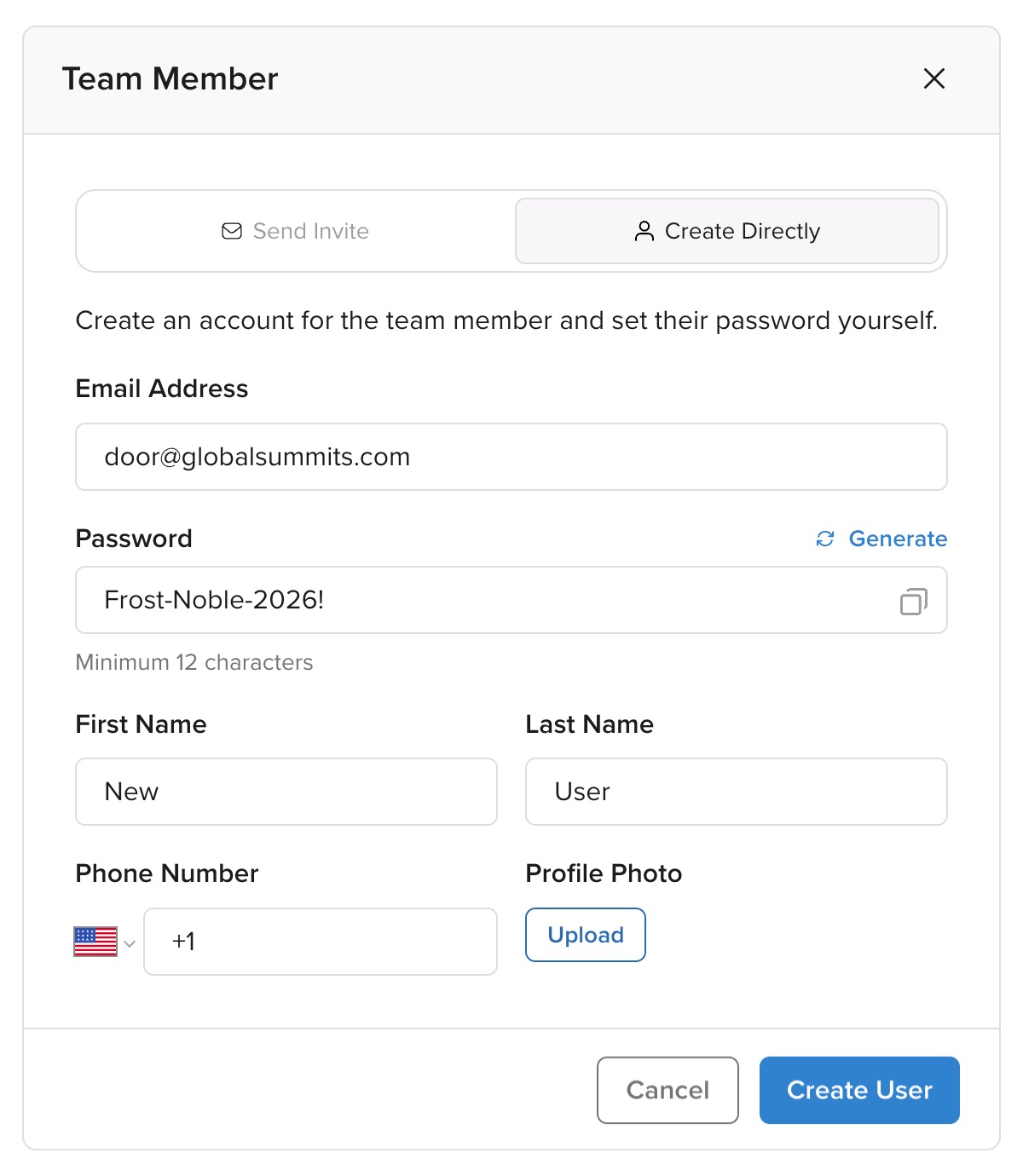
1783629621268
Redesigned Registration Form Settings
Registration Form settings now have a redesigned, more user-friendly interface. Form attributes are organized more clearly, making settings easier to edit and providing a more consistent experience across different forms.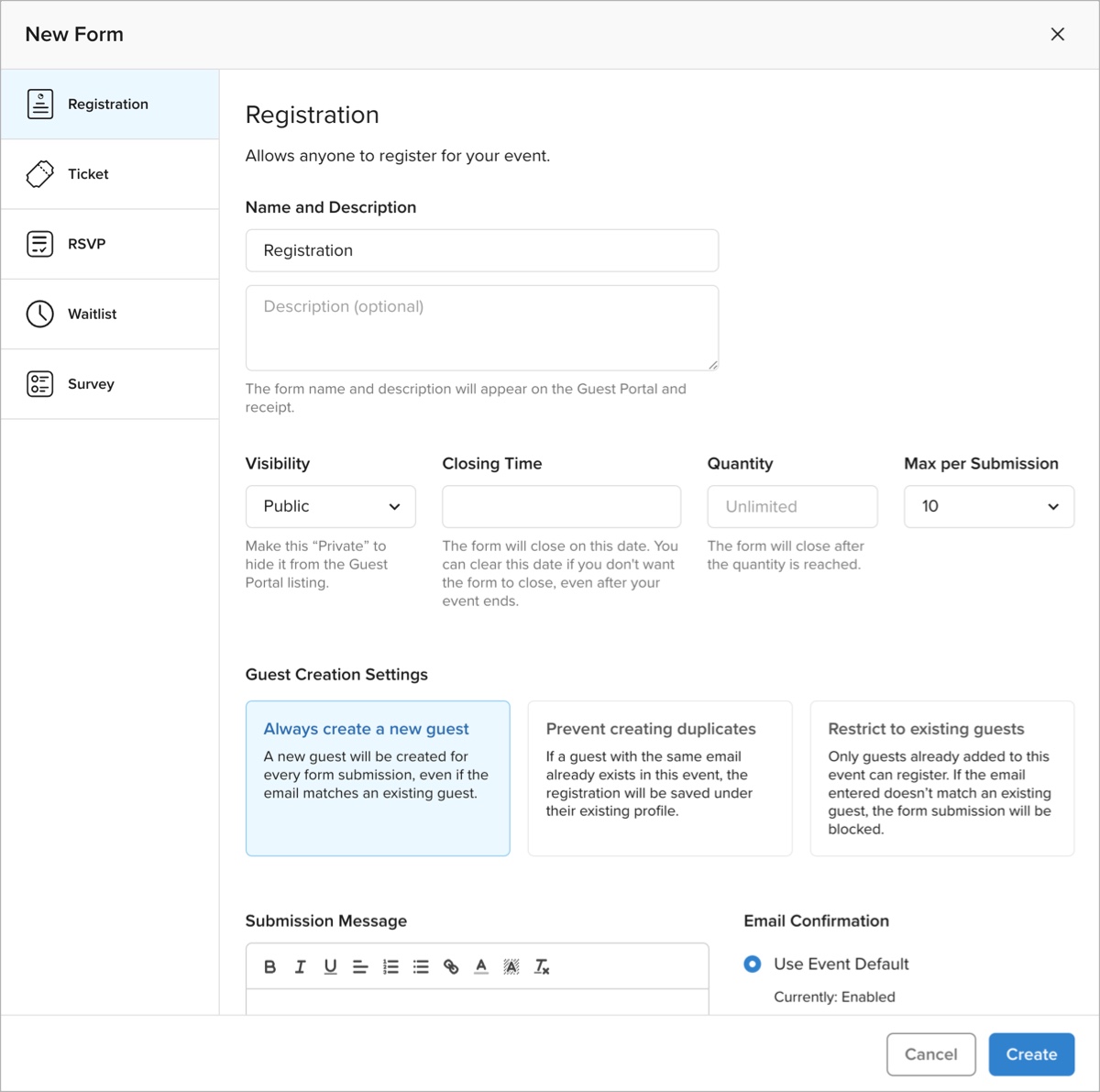
1783009920000
Check-In Alert SMS Notifications
Check-In alerts now support SMS notifications. Event collaborators can be notified by SMS and/or email when specific guests on Guest Lists check in.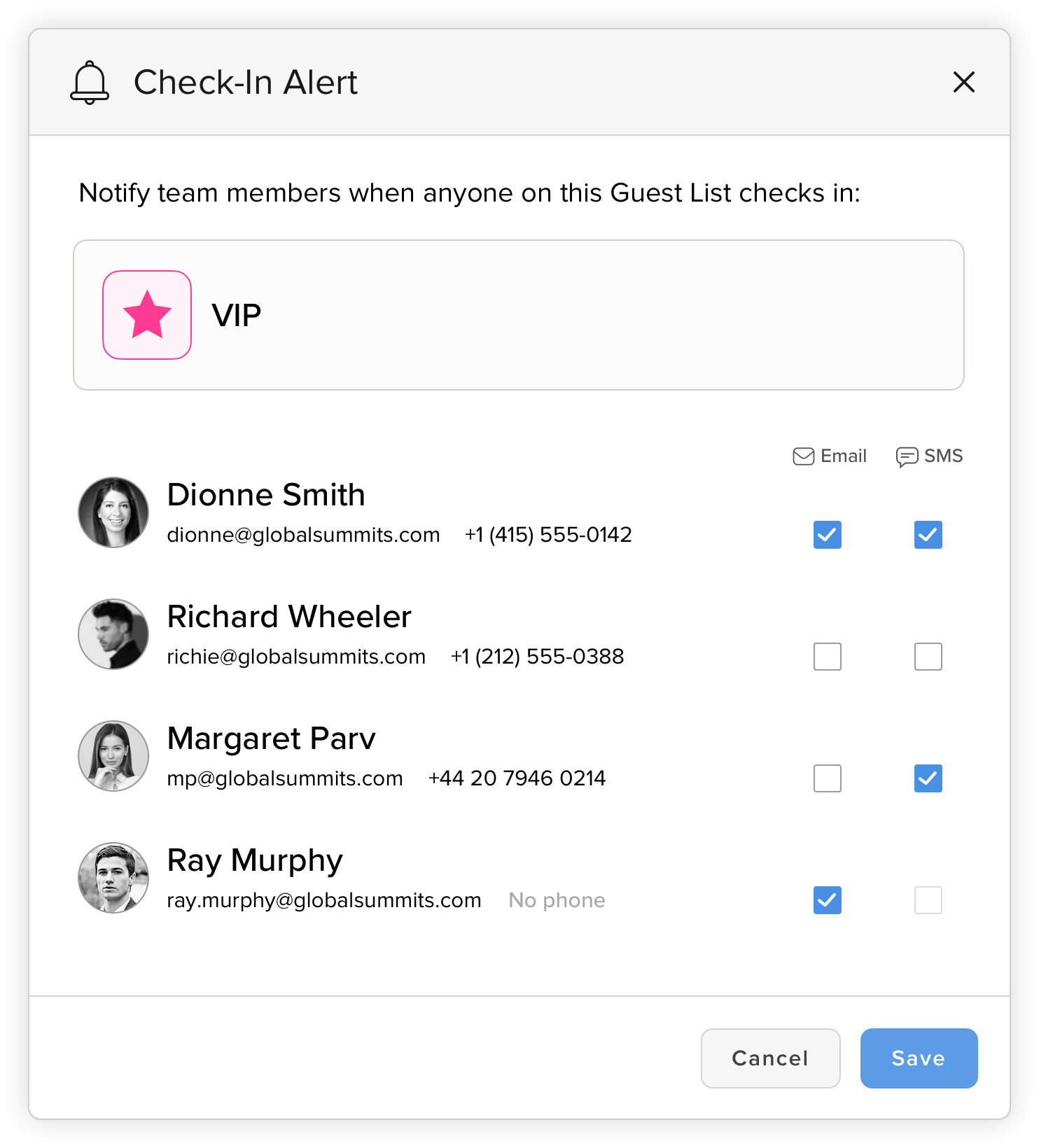
1780419885989
Guest List Colors and Icons
Guest Lists now include additional customization options for easier identification throughout Diobox. You can choose from preset colors or use the color picker to select a custom color, and select from dozens of icons. Icons automatically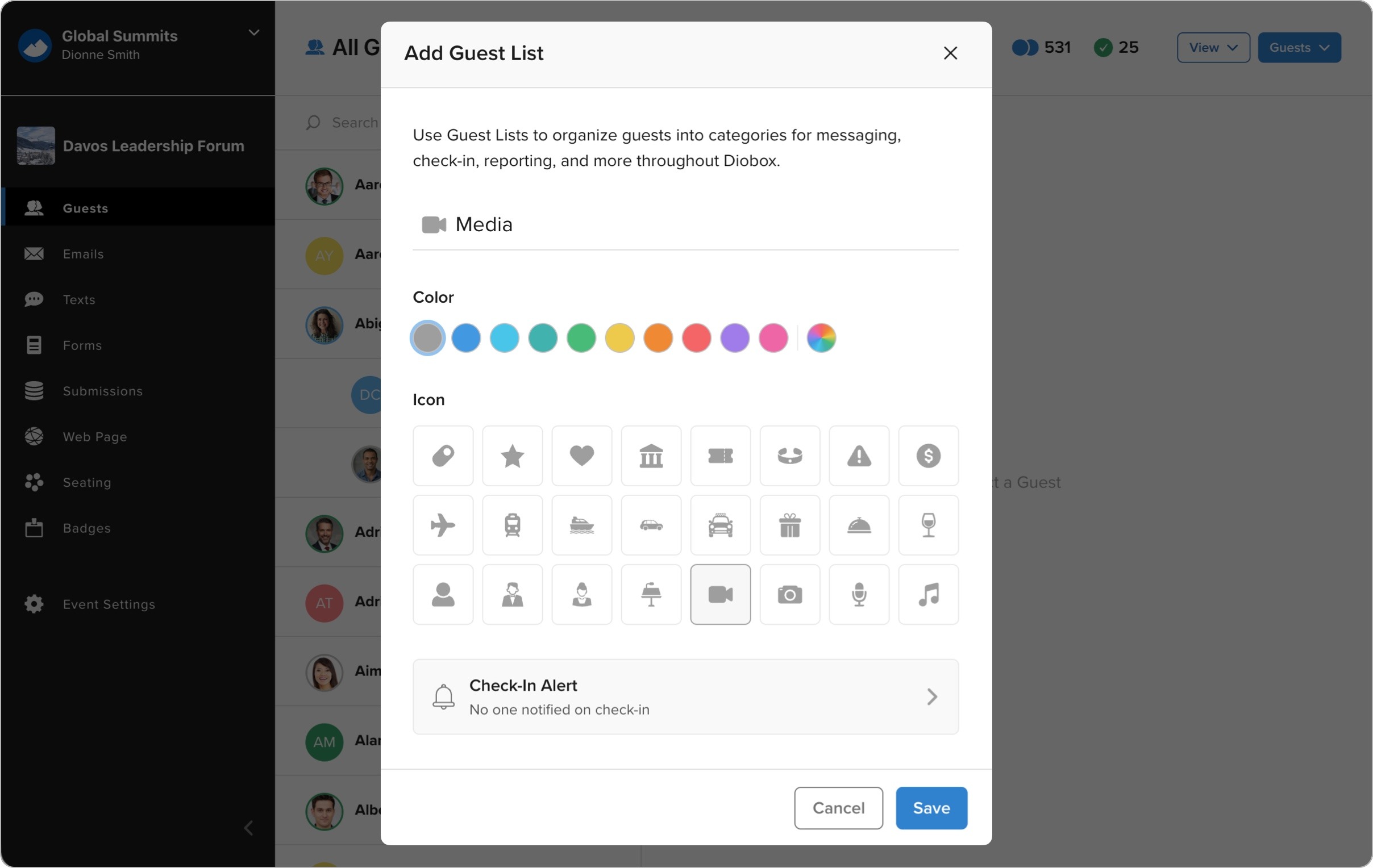
1778876743429
WhatsApp Messaging Has Arrived in Diobox
Diobox now includes fully integrated WhatsApp messaging for event communication, alongside existing SMS messaging workflows. Organizers can now send invitations, reminders, confirmations, QR codes, guest instructions, updates, and other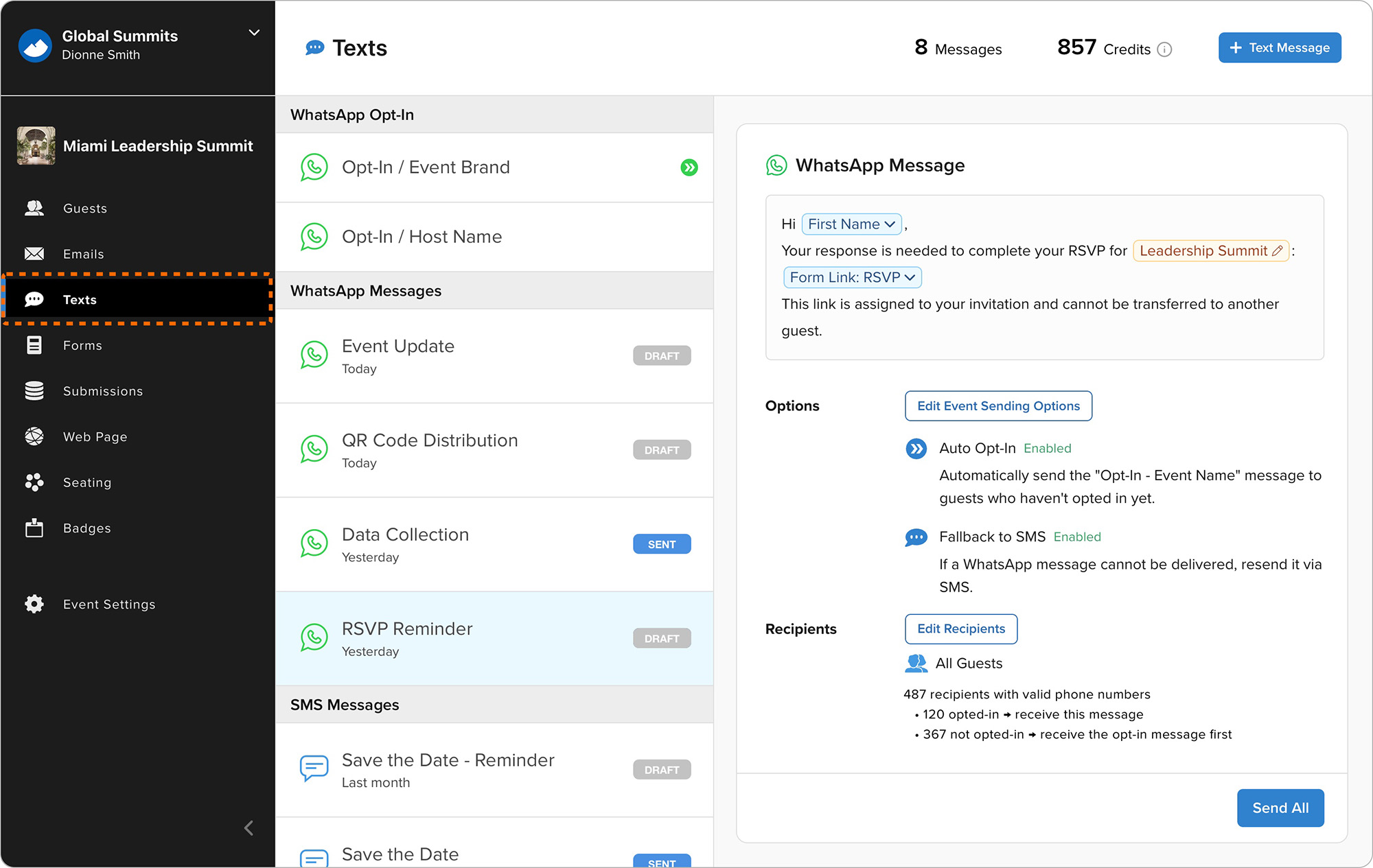
1778171788847
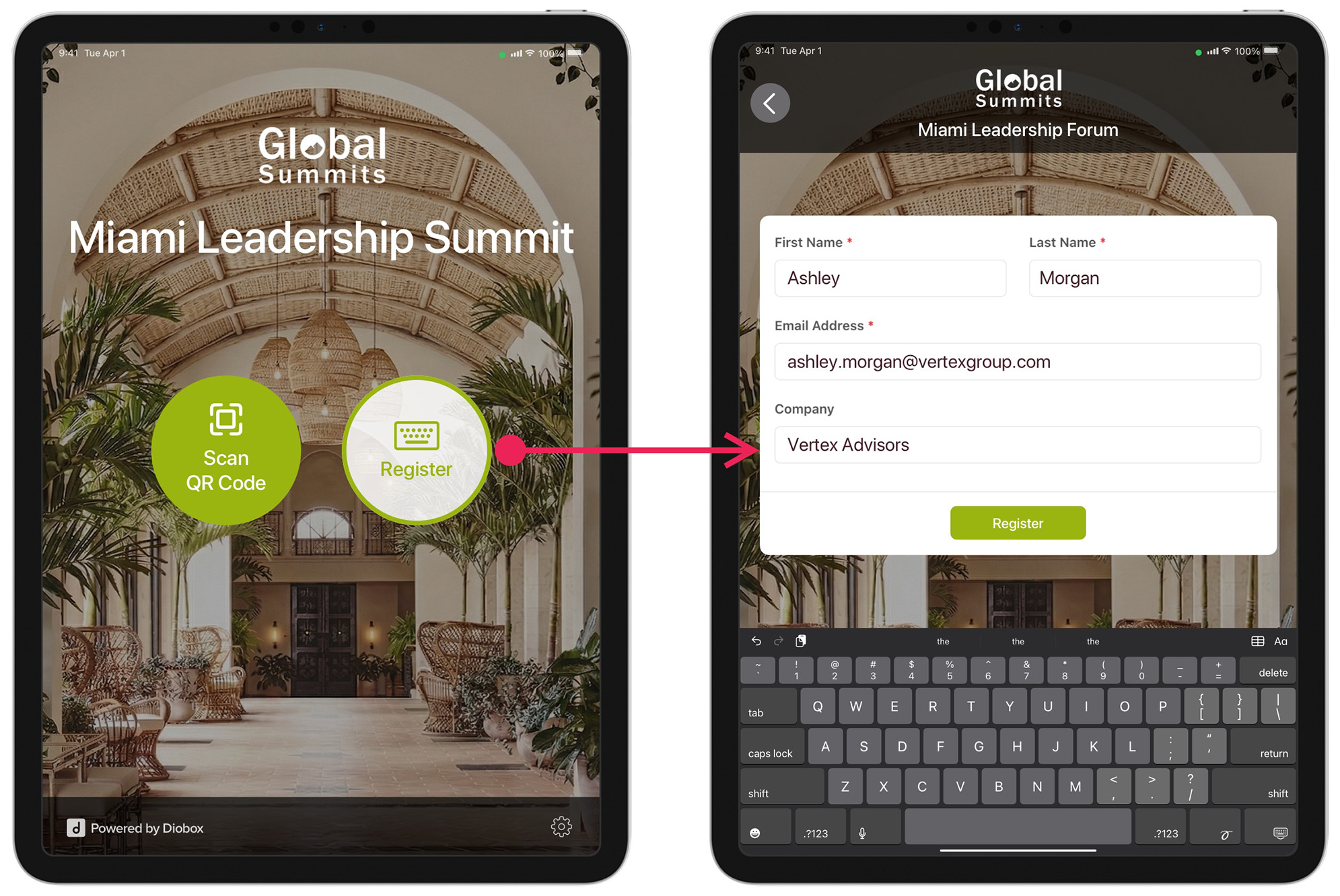
Kiosk Walk-In Registrations
Kiosk Mode now supports walk-in registrations, allowing guests to register themselves directly on the Kiosk device upon arrival. This feature works with existing Diobox Registration Forms and supports custom fields, additional questions,