
Branded Wallet Passes Are Here
1786403181262
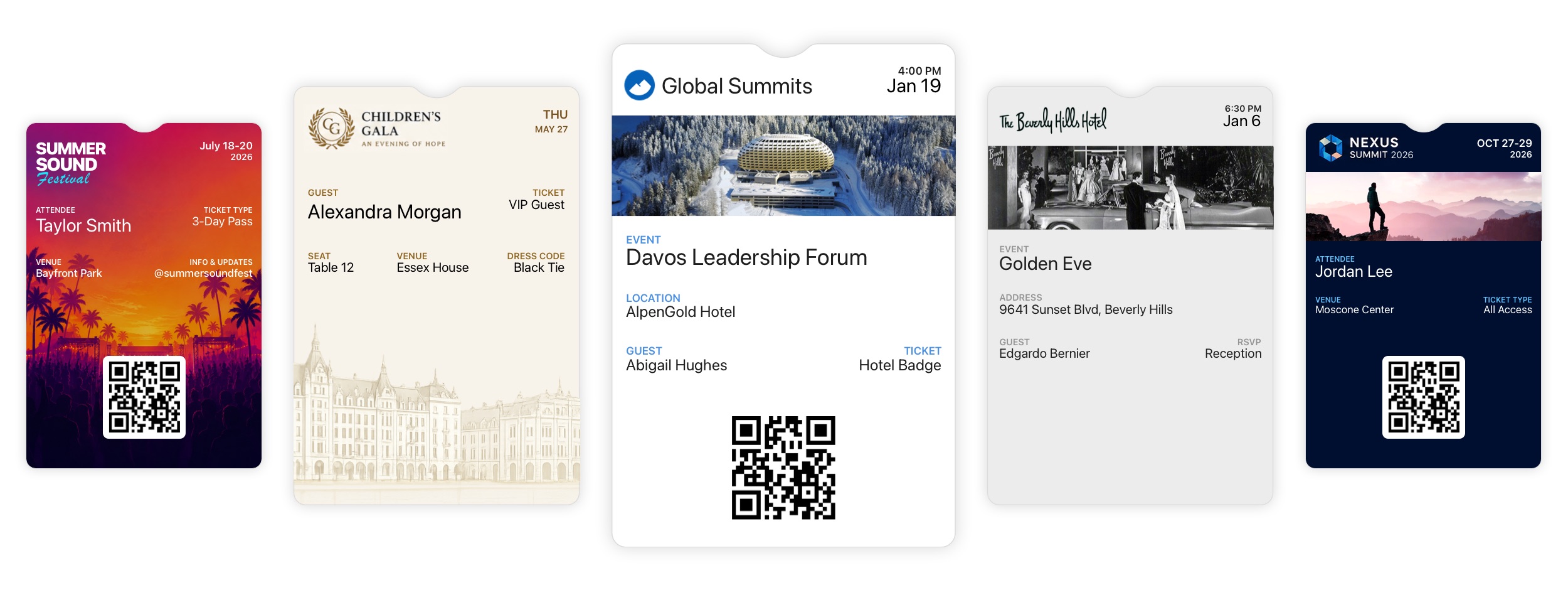
Diobox Wallet Passes now give you complete control over how your event appears in Apple Wallet and Google Wallet.
Create fully branded, dynamic passes that give guests instant access to their event details and QR codes, right from their phones.
Fully Customizable Design
Make every pass an extension of your event brand. Customize logos, banner images, colors, and text styles to create a polished experience that looks and feels like your event, not a generic ticket.
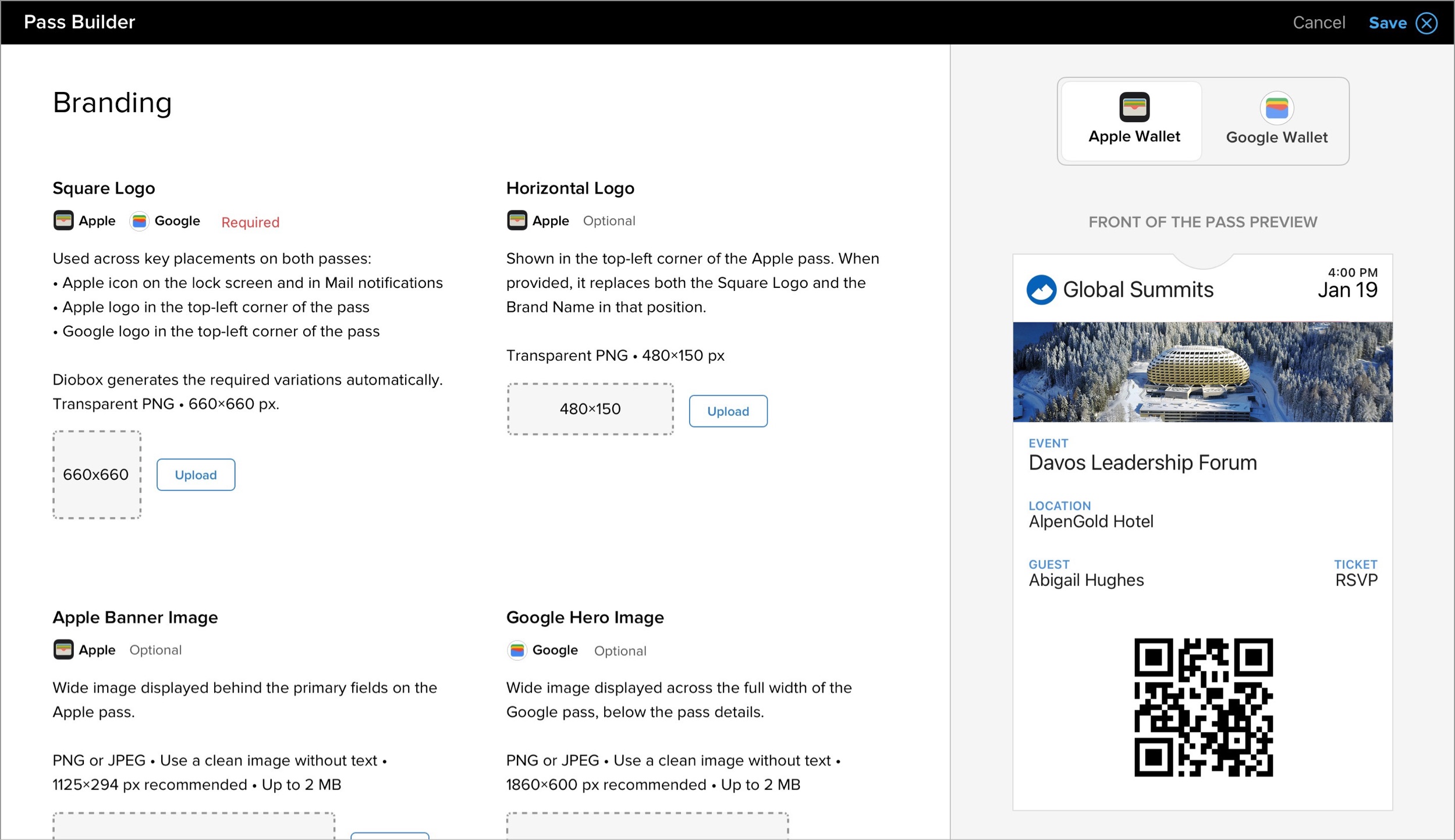
Dynamic Event & Guest Fields
Add any guest or event field directly to your pass template. Guest names, ticket types, seats, dates, locations, and other details automatically populate for each guest.
You can also include each guest’s unique QR code for fast scanning and check-in at the event.
One Builder for Apple & Google Wallet
Design your pass once using Diobox’s unified Wallet Pass Builder. Diobox automatically generates the appropriate Apple Wallet and Google Wallet versions behind the scenes, with no need to create or maintain separate templates.
More Info on Back of the Pass
Use the Back of the Pass for additional event information guests may need. Add longer text sections along with tappable links for websites, email addresses, phone numbers, and locations.
Always Within Reach
Wallet Passes stay on the guest’s phone and can surface on the lock screen as the event approaches. Guests have their event details and QR code readily available without searching through emails at the door.
With digital wallets now used by billions of people worldwide, Wallet Passes provide a familiar, convenient way to keep event information accessible throughout the guest journey.
Ready to get started?
To create and customize Wallet Passes, go to Event Settings → Wallet Passes.