1787601460147
Android Release v1.11
Guest Filtering The Guests screen now supports guest list and segment filtering, making it easier to view only the guests you need. Performance and Stability Improvements Improved overall app speed and stability. 1786403181262
Branded Wallet Passes Are Here
Diobox Wallet Passes now give you complete control over how your event appears in Apple Wallet and Google Wallet. Create fully branded, dynamic passes that give guests instant access to their event details and QR codes, right from their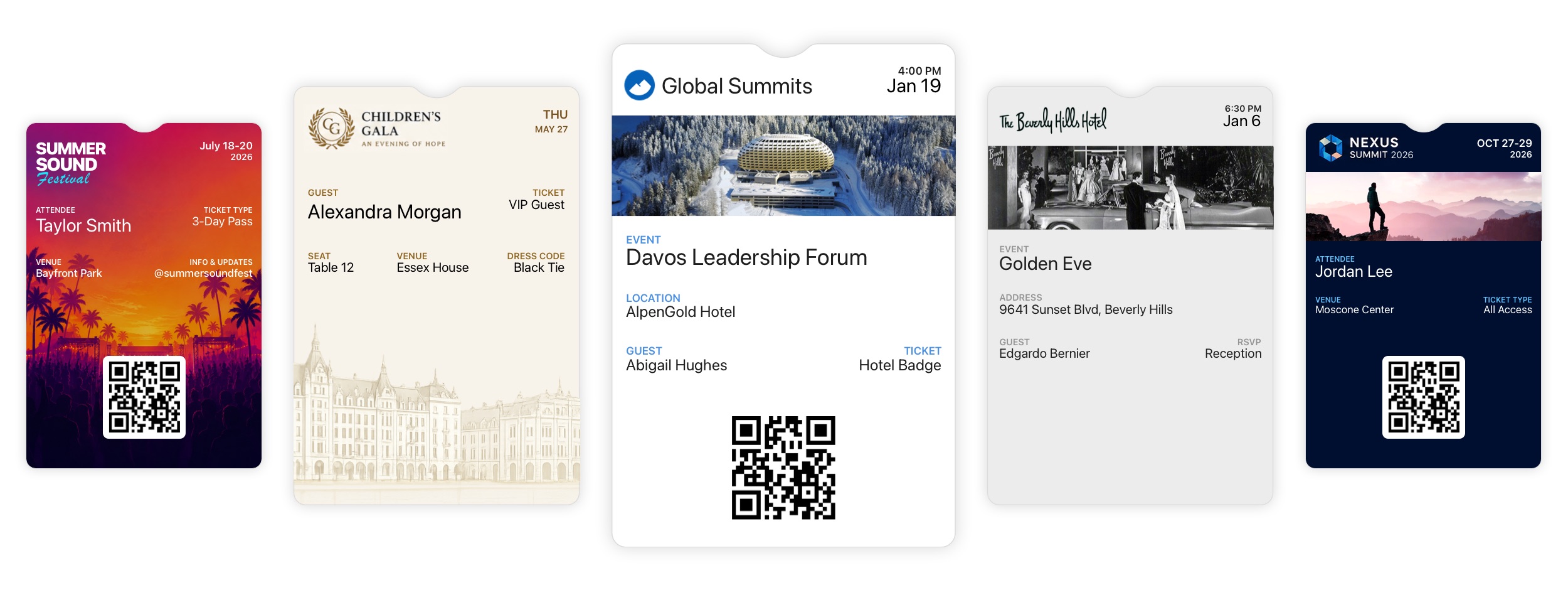
1781565300000
Android Release v1.10
Adds support for viewing custom icons and colors in Guest Lists. 1781536620000
iOS v6.18.2
Adds support for viewing icons and colors in Guest Lists. Guest Lists now appear in alphabetical order on relevant screens. Fixes an issue that prevented switching guest plus-ones after a successful QR code scan. 1780679760000
iOS v6.18.1 | Guest List Icons, Colors, and Plus-One Fixes
Guest Lists now support custom icons and colors. This update also fixes an issue that prevented switching guest plus-ones after a successful QR code scan. 1780239600000
iOS v6.18 | New Features and Improvements
Version 6.18 includes the following new features and improvements: Kiosk Mode Improvements: You can now hide the Event Title on the Home, Scanner, and Registration screens. When the title is hidden, the Brand Logo automatically expands to 1778876743429
WhatsApp Messaging Has Arrived in Diobox
Diobox now includes fully integrated WhatsApp messaging for event communication, alongside existing SMS messaging workflows. Organizers can now send invitations, reminders, confirmations, QR codes, guest instructions, updates, and other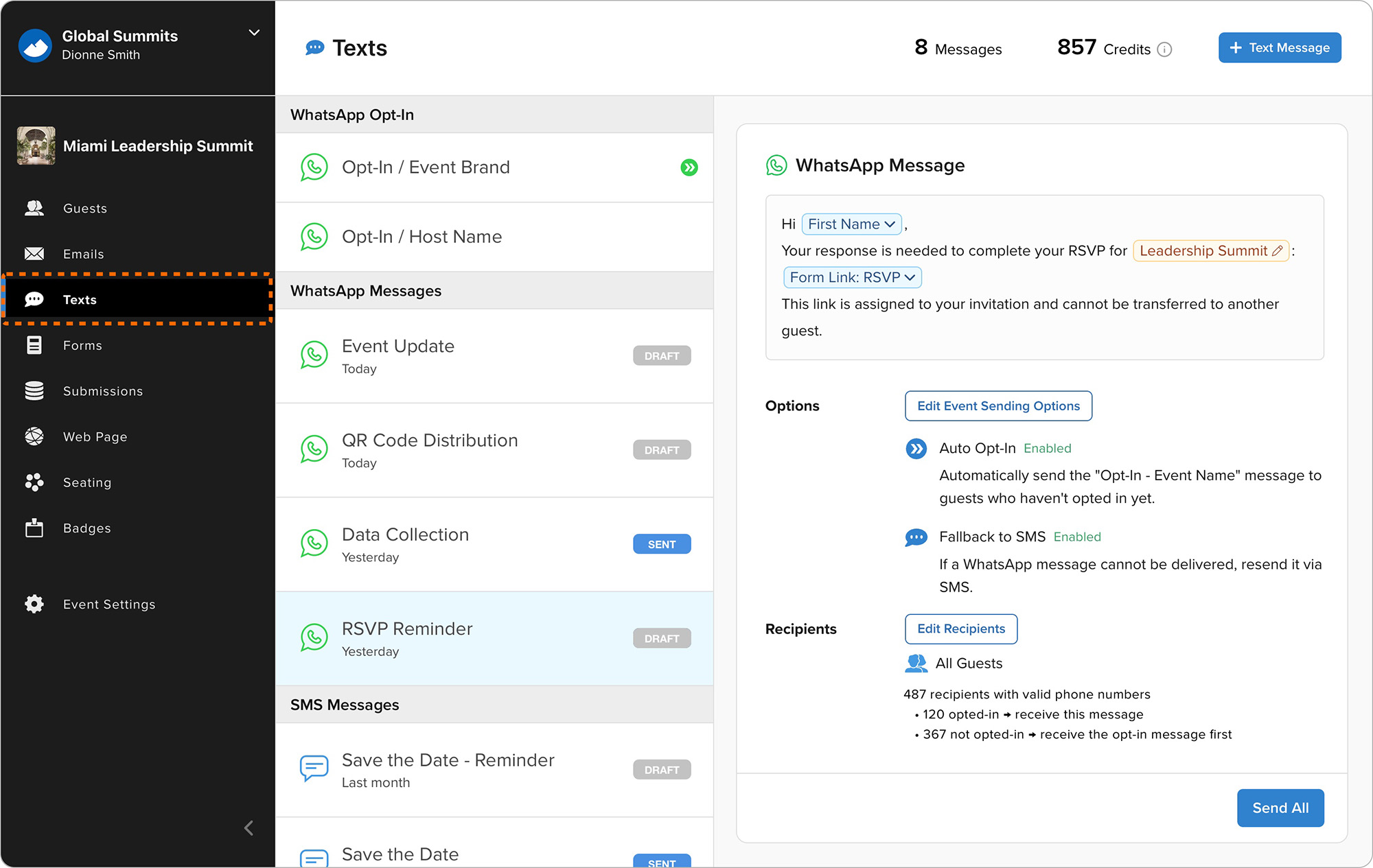
1778734800000
iOS v6.17.1 | Walk-In Registration in Kiosk Mode
Improves Kiosk Mode with larger branding, easier-to-read controls, and more readable on-screen text for a better self-service experience. 1778303219330
iOS v6.17 | Walk-In Registration in Kiosk Mode
Guests can now register themselves directly on the Kiosk device during the event. This new feature works with existing Diobox Registration Forms and supports customized fields, additional data collection, and event-specific registration