1786403181262
Branded Wallet Passes Are Here
Diobox Wallet Passes now give you complete control over how your event appears in Apple Wallet and Google Wallet. Create fully branded, dynamic passes that give guests instant access to their event details and QR codes, right from their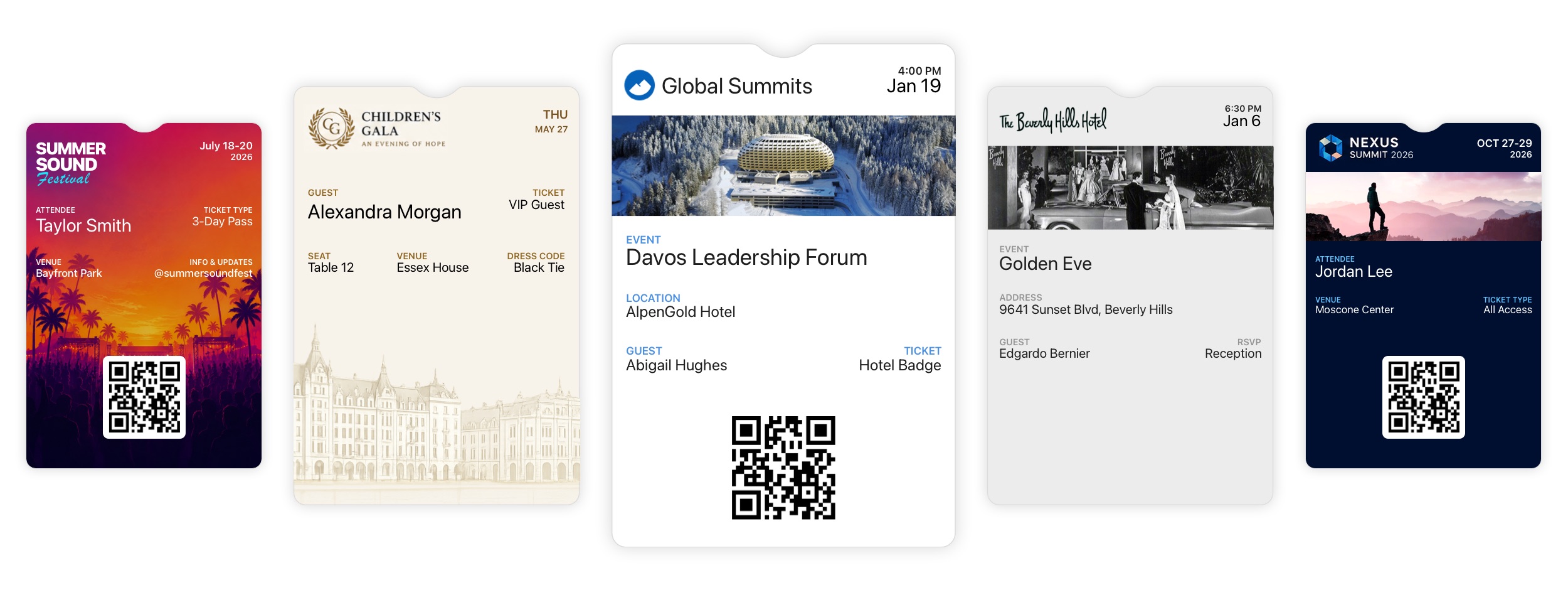
1784909460000
Lead Retrieval Updates
Major new improvements to Lead Retrieval give event organizers more control over licenses, exhibitors, and collected leads. Flexible License Purchasing: Organizers can purchase Lead Retrieval licenses directly within an event or have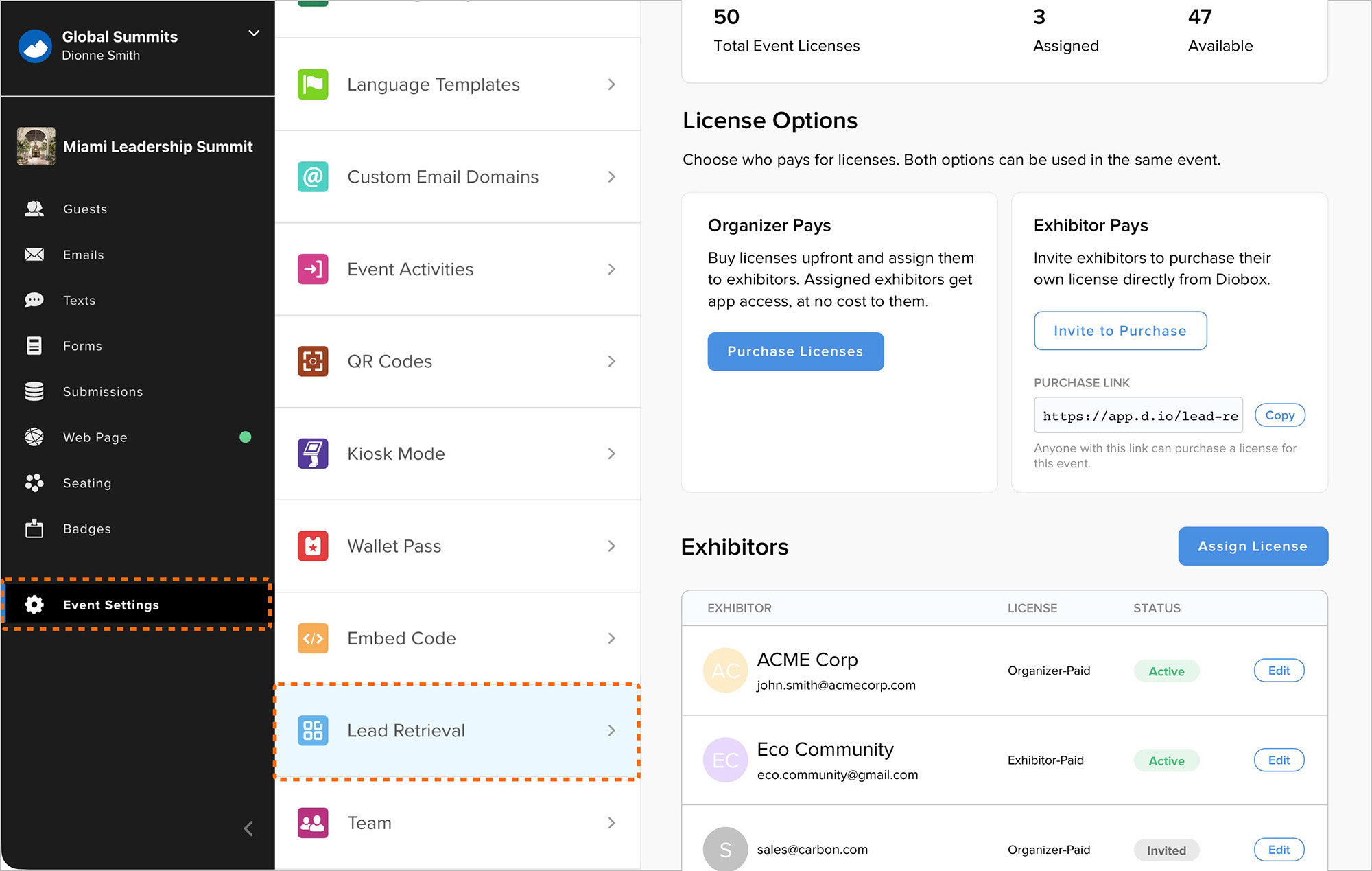
1783370280000
Custom Question Filters in Guest Segments
Guest List segments can now filter by responses to custom questions included in form submissions. This makes it easier to create targeted segments from the main Guests tab using guest attributes alongside submitted form responses.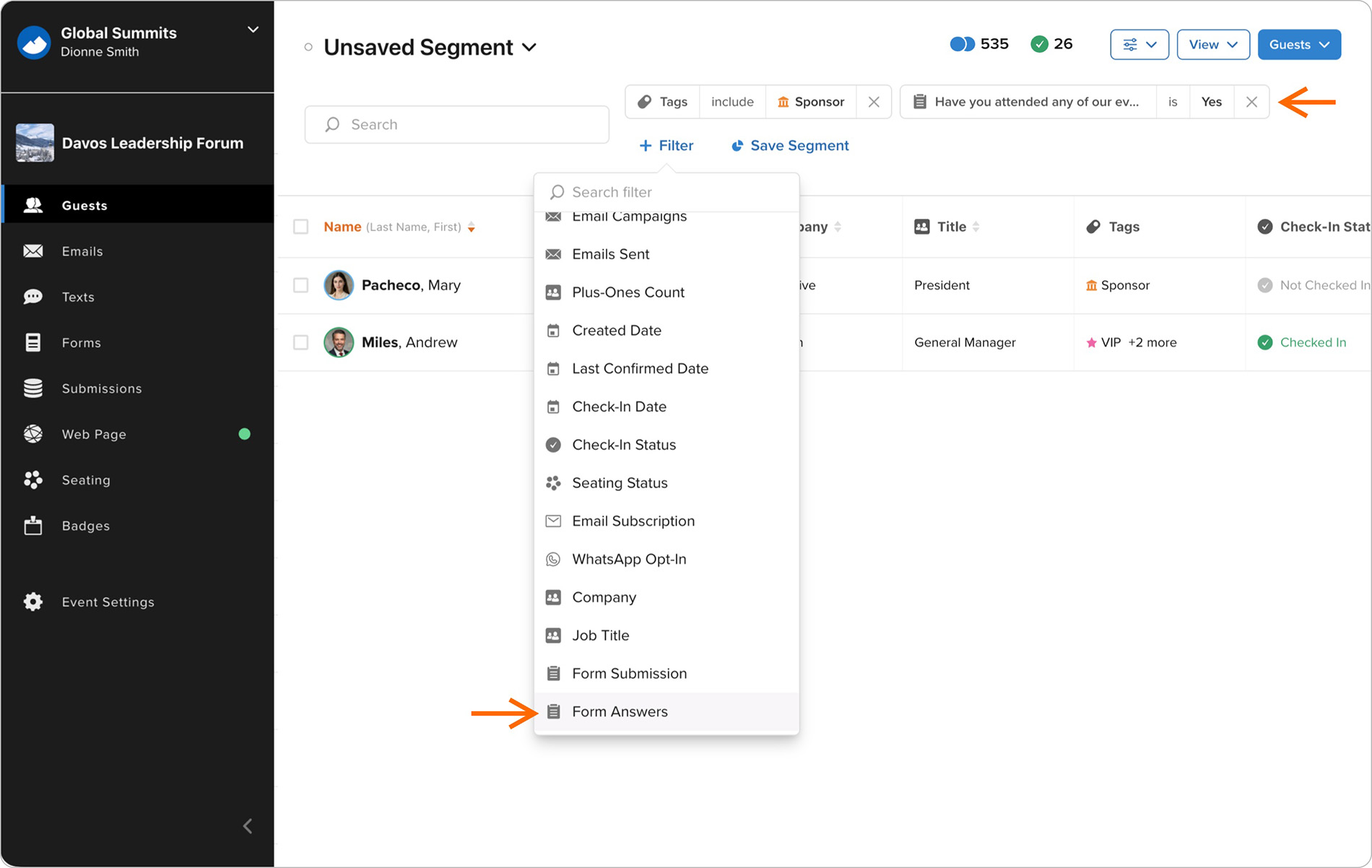
1783354200000
Country Dropdown Improvements
The Country field in all forms now uses a standardized dropdown menu to improve data consistency. The dropdown highlights countries most relevant to the guest’s location before showing the full country list, and remains compatible with 1782881940000
Guest Column View Sorting and Status Fields
New guest fields have been added to the Guests Column View, including WhatsApp Opt-In and Email Subscription statuses. You can now click these and other fields to sort guests by the selected column. 1782839400000
Custom RSVP Button Styling
Email Builder now includes additional customization options for RSVP buttons. You can set the font, size, border radius, padding, colors, and other styling details to better align buttons with your brand guidelines.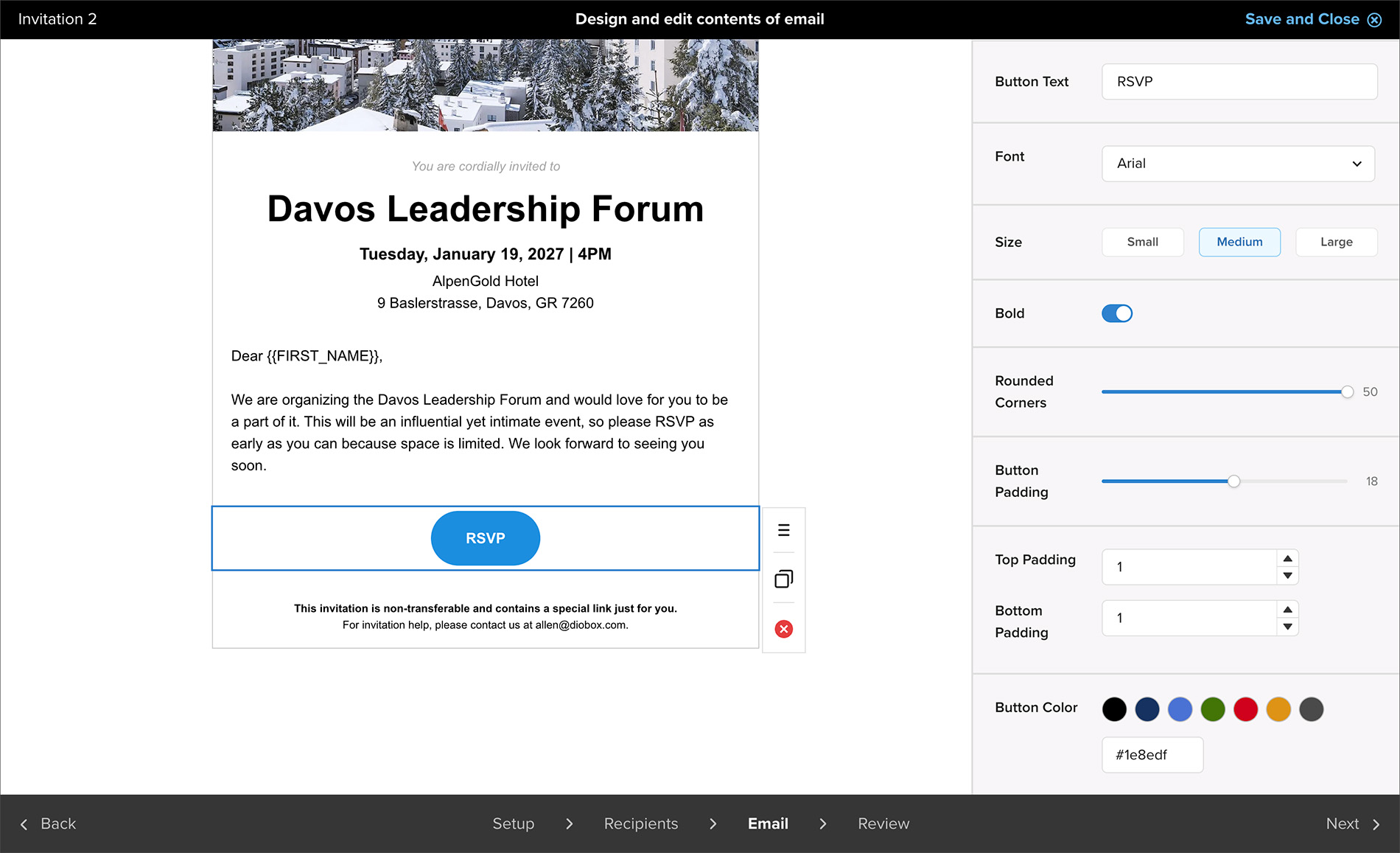
1782364980000
Team Member Profile Updates
Team Member profiles now include a phone number field that can be used to send SMS check-in alerts. Additional UI/UX improvements have also been made to make Team Member profiles easier to view and manage. 1781112360000
Kiosk Preview Improvements
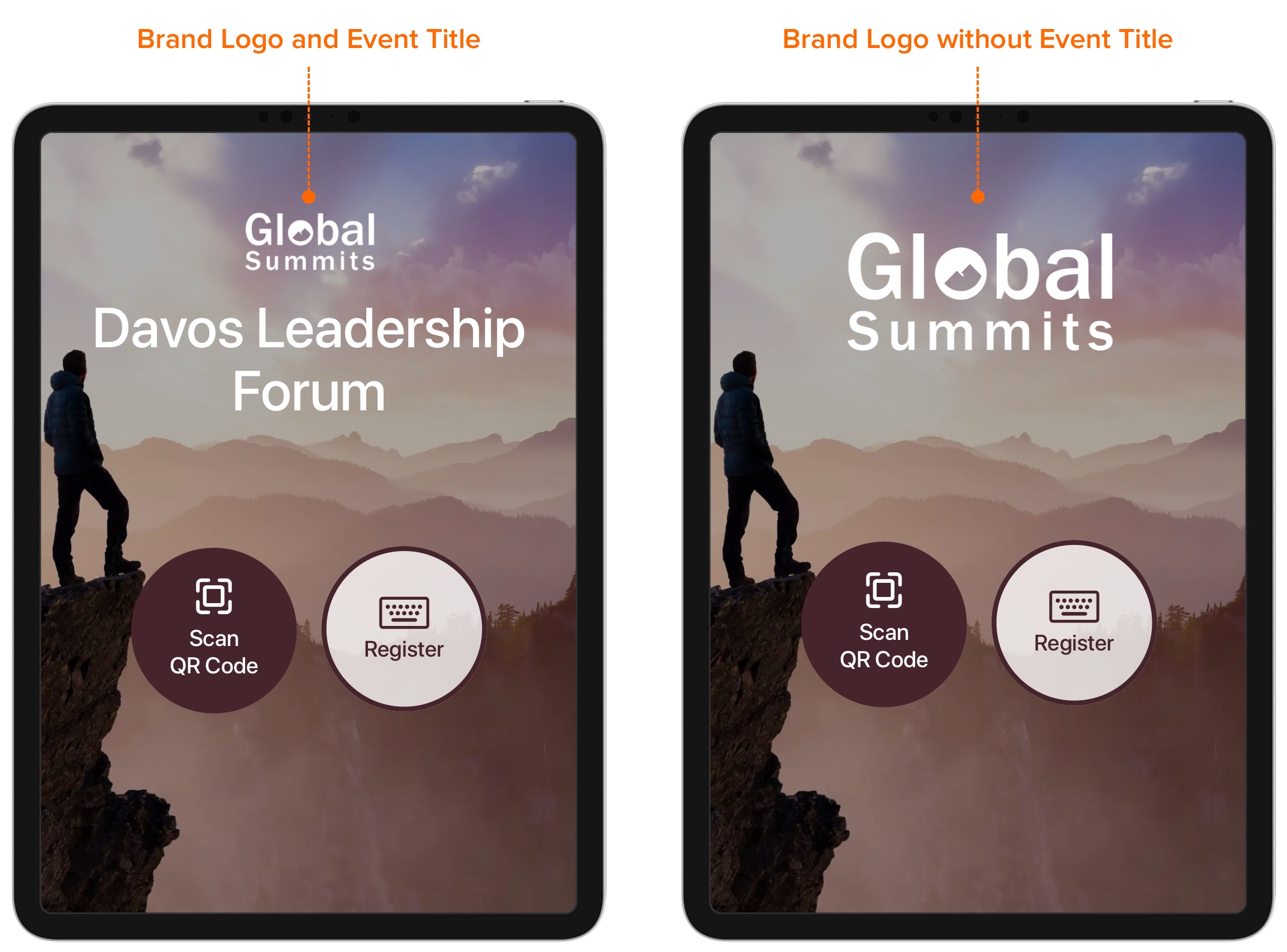
Kiosk preview now displays the newly added title customization and logo placement options, making it easier to review how the kiosk will appear before publishing. 1780333140000
Hidden Event Title Option in Kiosk Mode
Kiosk Mode now includes an option to fully hide the event title, allowing it to be incorporated directly into the background image. When the event title is hidden, the brand logo automatically expands to better utilize the available